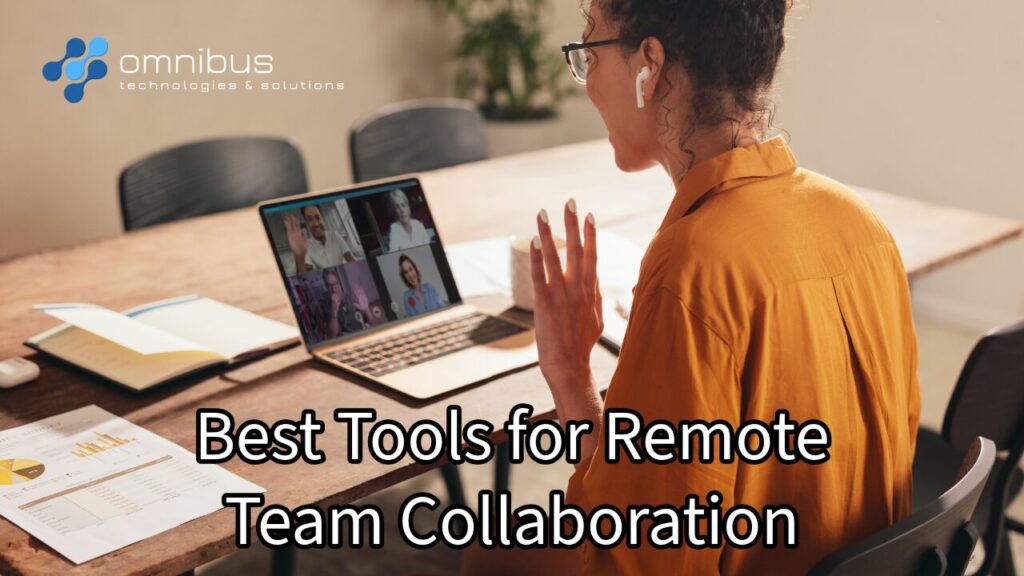
As remote and hybrid work continue to dominate in 2026, businesses need more than just basic communication—they need fully integrated collaboration ecosystems. The best tools combine real-time communication, project management, document sharing, and automation to keep teams aligned and productive no matter where they are.
At Omnibus Technologies and Solutions, we recommend building a stack of complementary tools rather than relying on just one platform. Below are the best tools your business should consider.
Communication & Messaging Tools
Slack
Slack remains one of the most powerful messaging platforms for remote teams. It organizes conversations into channels by project, department, or topic, keeping communication clean and searchable.
Best for: Fast-paced teams, startups, and tech companies
Key benefits:
- Channel-based communication (no messy email chains)
- Thousands of integrations with business tools
- Strong async communication support
Microsoft Teams
Microsoft Teams is ideal for organizations already using Microsoft 365. It combines messaging, video calls, and document collaboration into one platform.
Best for: Corporate environments and enterprise teams
Key benefits:
- Seamless integration with Word, Excel, and OneDrive
- Built-in video conferencing and file sharing
- Centralized workspace for communication and collaboration
Zoom
Zoom continues to dominate video communication with high-quality meetings, webinars, and screen sharing.
Best for: Meetings, training sessions, and client presentations
Key benefits:
- Reliable HD video and audio
- Breakout rooms for team collaboration
- Meeting recordings and transcripts
Project Management & Task Collaboration
Asana
A top-tier project management tool that helps teams track tasks, deadlines, and workflows.
Best for: Structured teams managing multiple projects
Key benefits:
- Task assignments and timelines
- Workflow automation
- Clear project visibility
Trello
Trello uses a simple Kanban-style board system that’s easy for any team to adopt.
Best for: Small teams and visual project tracking
Key benefits:
- Drag-and-drop task boards
- Simple and intuitive interface
- Great for quick collaboration
ClickUp
ClickUp is an all-in-one platform that combines tasks, docs, goals, and communication.
Best for: Teams wanting everything in one system
Key benefits:
- Custom workflows
- Built-in docs and chat
- Highly scalable for growing companies
Document Collaboration & File Sharing
Google Workspace
A go-to solution for real-time document collaboration.
Best for: Teams that need fast, cloud-based editing
Key benefits:
- Real-time editing in Docs, Sheets, and Slides
- Easy sharing and permissions
- Cloud-based access from anywhere
Microsoft 365
A powerful suite combining productivity tools with enterprise-level collaboration.
Best for: Businesses already in the Microsoft ecosystem
Key benefits:
- Deep integration with Teams
- Secure cloud storage
- Enterprise-grade compliance
Notion
Notion blends documentation, knowledge bases, and project management into one tool.
Best for: Organizing internal knowledge and workflows
Key benefits:
- Centralized company wiki
- Flexible workspace customization
- Combines notes, tasks, and databases
Visual Collaboration & Brainstorming
Miro
A digital whiteboard that allows teams to brainstorm, map ideas, and collaborate visually.
Best for: Creative teams and strategy sessions
Key benefits:
- Real-time whiteboarding
- Templates for workflows and planning
- Ideal for remote workshops
Figma
Figma enables real-time design collaboration for teams working on UI/UX and creative projects.
Best for: Design and product teams
Key benefits:
- Live collaboration on designs
- Cloud-based access
- Developer handoff tools
How to Choose the Right Tools
Not every business needs every tool. The best setup depends on your workflow.
- Communication-first teams: Slack or Microsoft Teams
- Meeting-heavy teams: Zoom + Teams
- Project-driven teams: Asana, ClickUp, or Trello
- Document-heavy teams: Google Workspace or Microsoft 365
- Creative teams: Miro + Figma
Modern businesses often combine multiple tools into a connected ecosystem rather than relying on one platform.
Stay Connected with your Team
Remote collaboration in 2026 is about more than staying connected—it’s about working smarter. The right tools eliminate confusion, reduce downtime, and keep teams aligned across time zones.
At Omnibus Technologies and Solutions, we help businesses select the right collaboration stack, integrate tools seamlessly, secure remote environments, and optimize workflows for productivity.
If your team is struggling with communication gaps, missed deadlines, or tool overload, it may be time to rethink your collaboration strategy and implement the tools that truly support your growth.